You’re posting on social media.
You’re trying.
But the engagement?
Crickets.
And here’s the hard truth: most businesses don’t fail on social media because of bad products.
They fail because they don’t understand how to post on social media strategically.
Wrong platform.
Wrong format.
Wrong video ratio.
Wrong hashtags.
And the algorithm punishes them for it.
If you want reach, authority, and inbound leads, you need more than random posts. You need a framework.
Let’s break it down step-by-step.
Table of Contents
- Understanding Social Media Demographics
- TikTok
- Video Ratios and Why They Matter
- Using Canva to Format Videos Correctly
- How to Post on Social Media
- Uploading Media
- Writing Text Captions
- Hashtags (and where they go)
- Final Posting Checklist
1. Understanding Social Media Demographics
Before you post anything, you need to answer one question:
Who are you talking to?
If you skip this step, your content will always underperform.
Because different platforms attract different audiences.
Let’s break them down.
Facebook Demographics
Primary Age Group: 25–55+
Best For: Community building, local businesses, events, groups, ads
Content Style: Conversational, value-driven, shareable
Facebook is relationship-based.

It’s strong for:
- Local service businesses
- Restaurants
- Churches
- Real estate
- Community-driven brands
If you’re targeting homeowners, families, or business owners 30+, Facebook still has leverage.
Longer captions perform well here.
Educational posts do well.
So do community-focused stories.
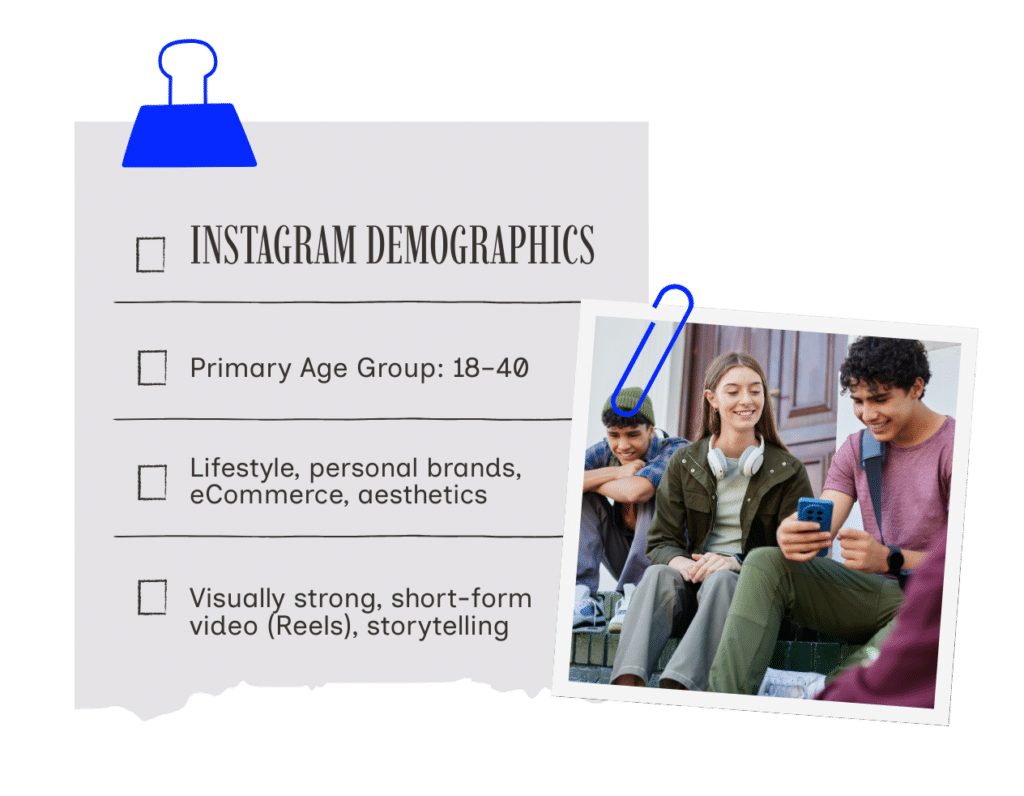
Instagram Demographics
Primary Age Group: 18–40
Best For: Lifestyle, personal brands, eCommerce, aesthetics
Content Style: Visually strong, short-form video (Reels), storytelling
Instagram is visual currency.
If it doesn’t look clean, it doesn’t convert.
Reels dominate.
Carousel posts educate.
Stories nurture.
If you want brand authority, you must understand how to post on social media visually — and Instagram is where formatting matters most.
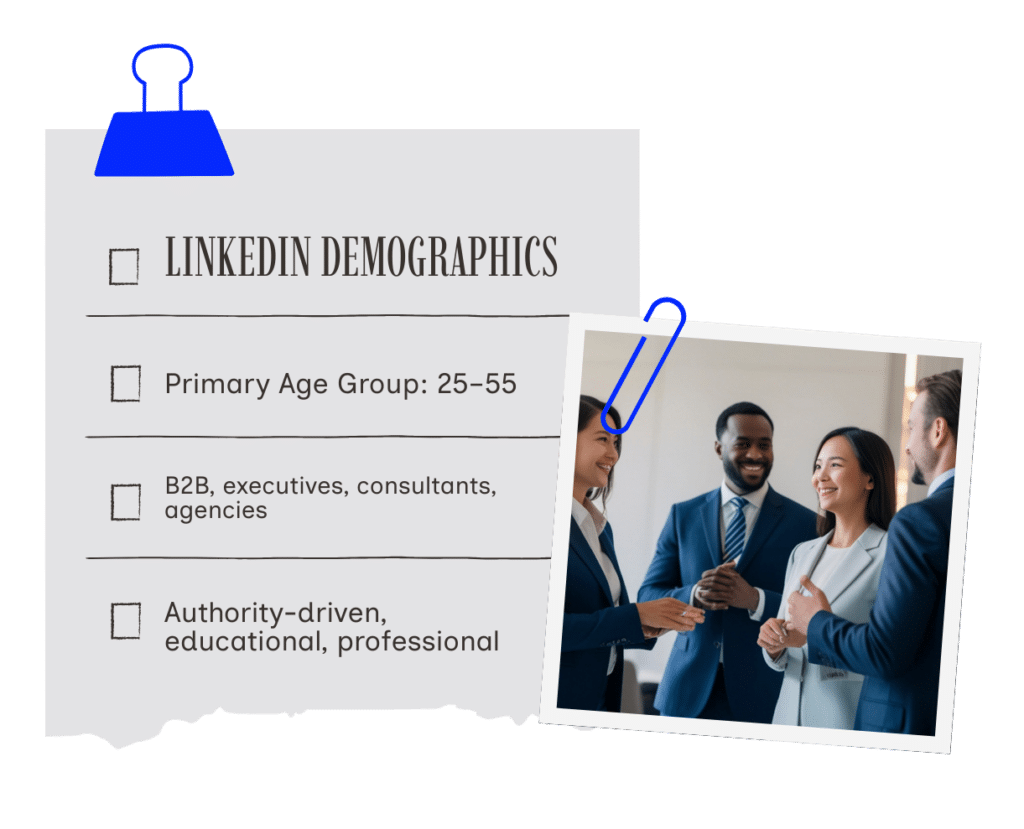
LinkedIn Demographics
Primary Age Group: 25–55
Best For: B2B, executives, consultants, agencies
Content Style: Authority-driven, educational, professional
LinkedIn is not Instagram in a suit.
It’s a credibility engine.
If you are:
- An agency owner
- A CEO
- A consultant
- A sales professional
LinkedIn should be part of your content ecosystem.
Text posts perform extremely well here.
Native video performs even better.
Thought leadership wins.
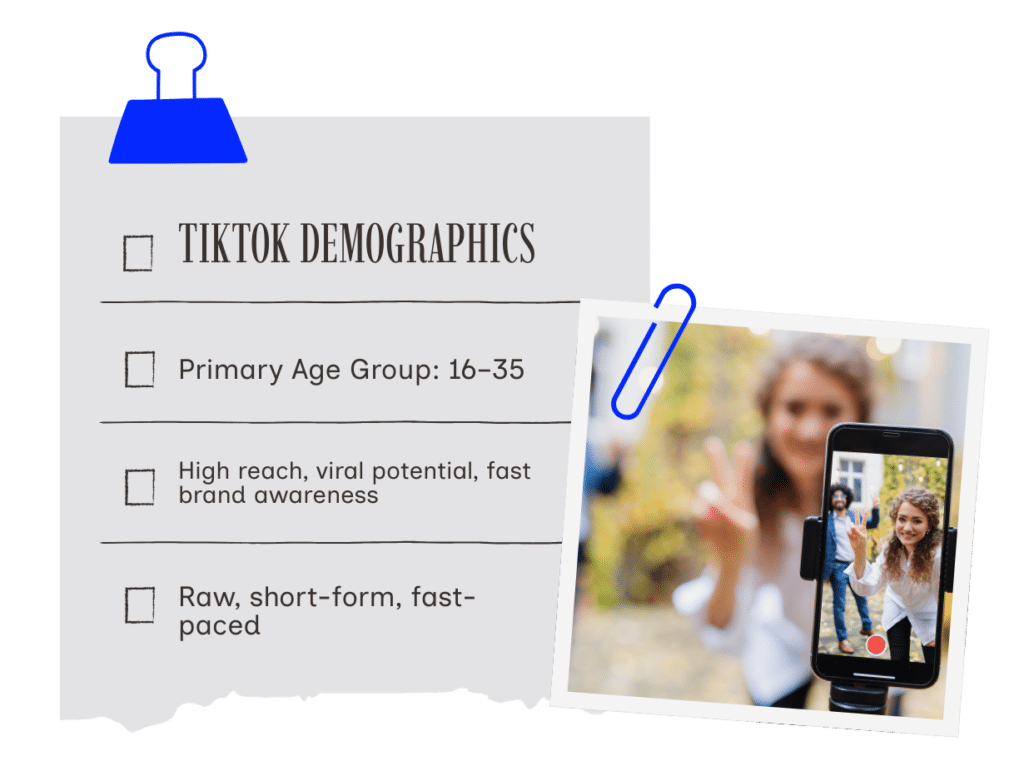
TikTok Demographics
Primary Age Group: 16–35
Best For: High reach, viral potential, fast brand awareness
Content Style: Raw, short-form, fast-paced
TikTok prioritizes watch time.
Not followers.
Which means even new accounts can go viral.
If your content is entertaining, educational, or controversial, TikTok can scale brand awareness faster than any other platform.
But only if your video ratios are correct.
Which brings us to the next critical piece.
2. Video Ratios and Why They Matter
If your video is the wrong size…
The algorithm will limit distribution.
Your video may get cropped.
Or worse — it looks amateur.
And perception is everything.
Here are the correct video ratios:
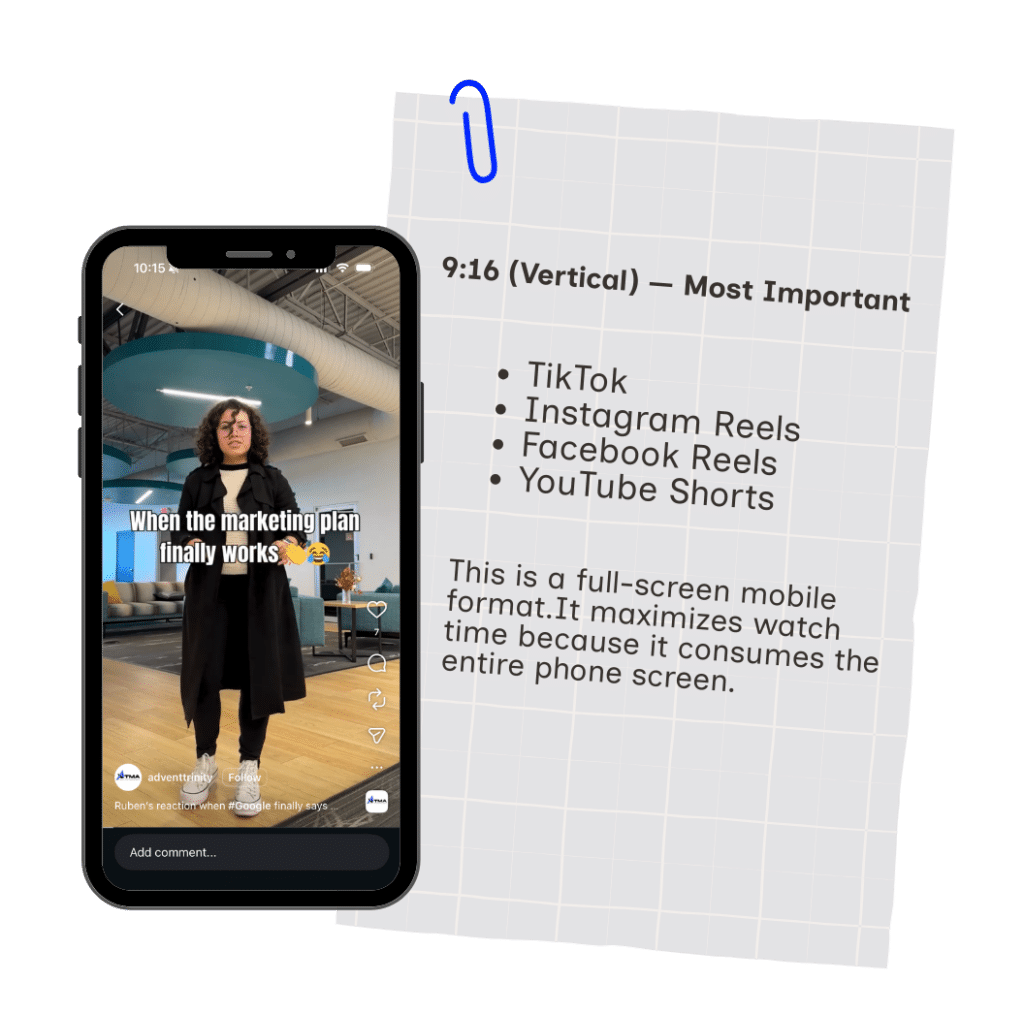
9:16 (Vertical) — Most Important
- TikTok
- Instagram Reels
- Facebook Reels
- YouTube Shorts
Resolution: 1080×1920
This is a full-screen mobile format.
It maximizes watch time because it consumes the entire phone screen.
This is the dominant format in 2026.
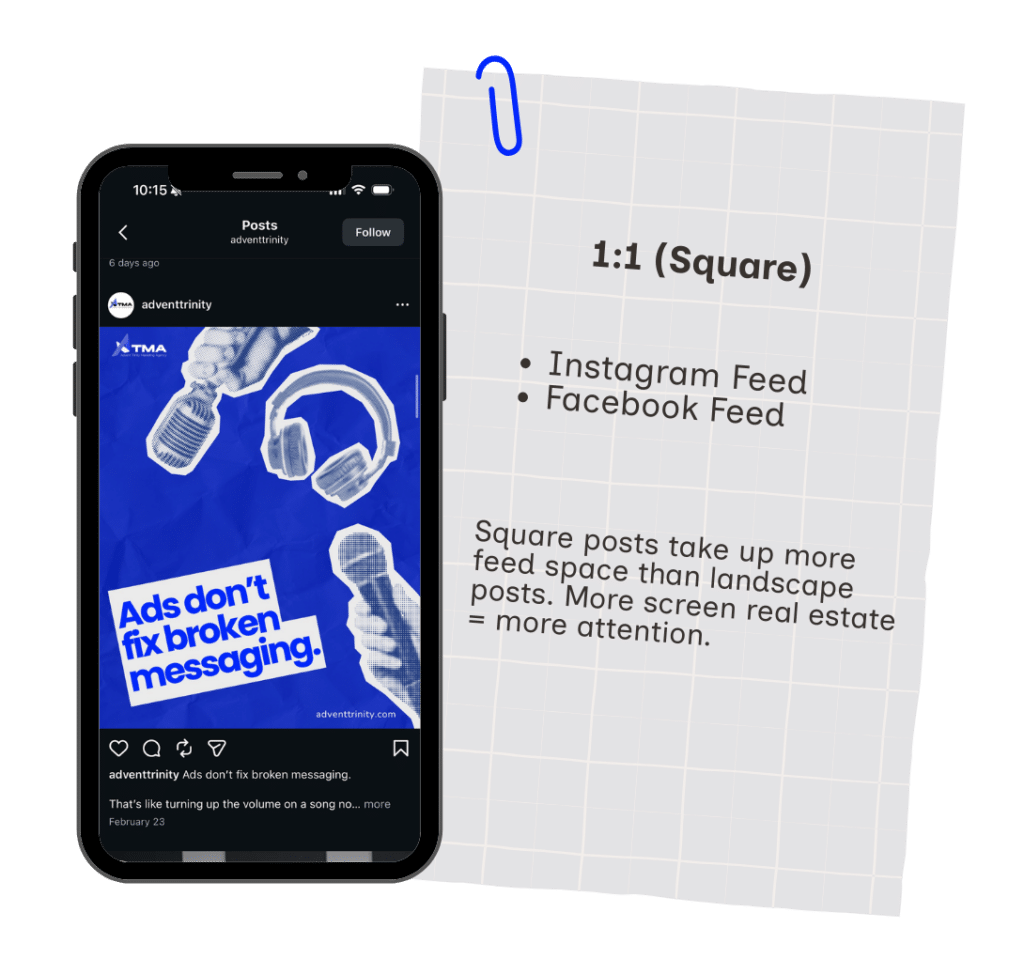
1:1 (Square)
- Instagram Feed
- Facebook Feed
Resolution: 1080×1080
Square posts take up more feed space than landscape posts.
More screen real estate = more attention.
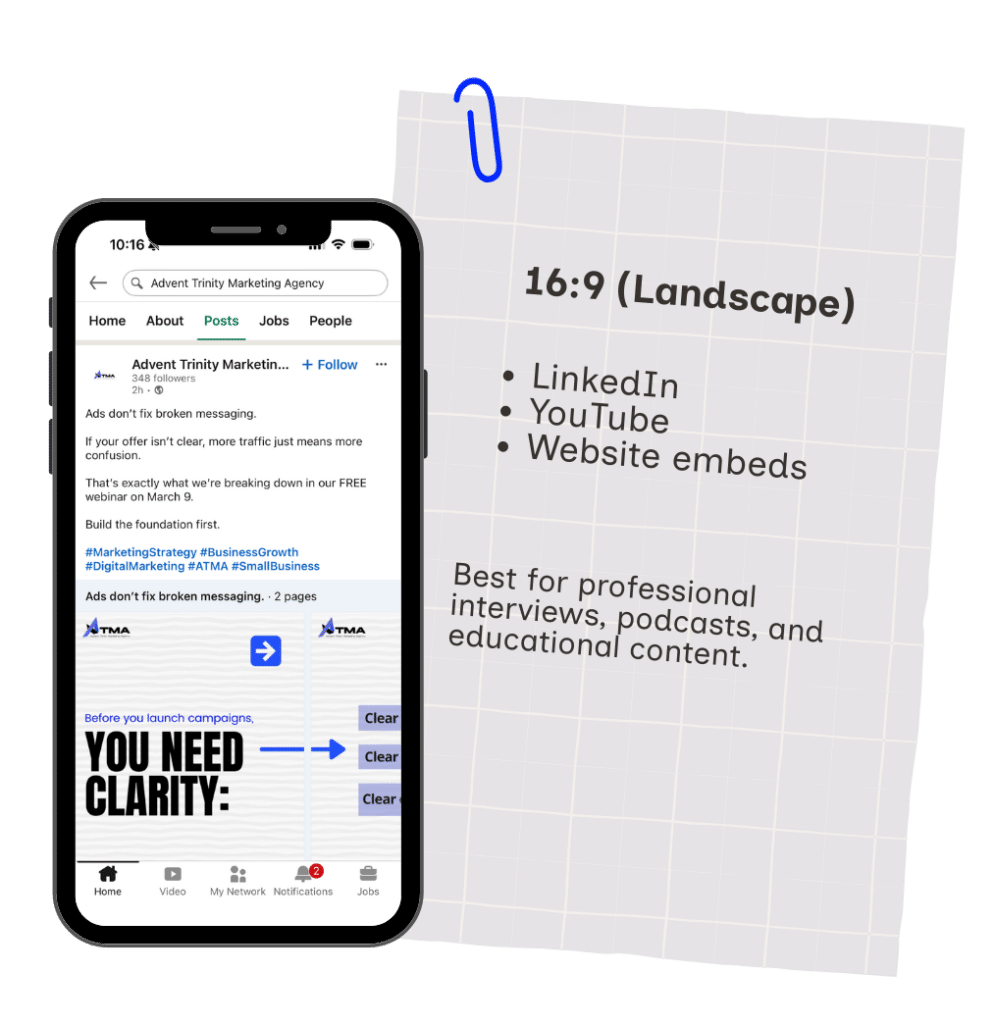
16:9 (Landscape)
- YouTube
- Website embeds
Resolution: 1920×1080
Best for professional interviews, podcasts, and educational content.
Why Video Ratio Impacts Performance
Because social media platforms are mobile-first ecosystems.
If your content:
- Leaves empty black space
- Looks cropped
- Doesn’t fill the screen
People scroll.
And scrolling kills reach.
If you’re serious about learning how to post on social media properly, mastering format is non-negotiable.
3. Using Canva to Format Videos
If you’re not using Canva, you’re making this harder than it needs to be.
Here’s how to use it correctly:
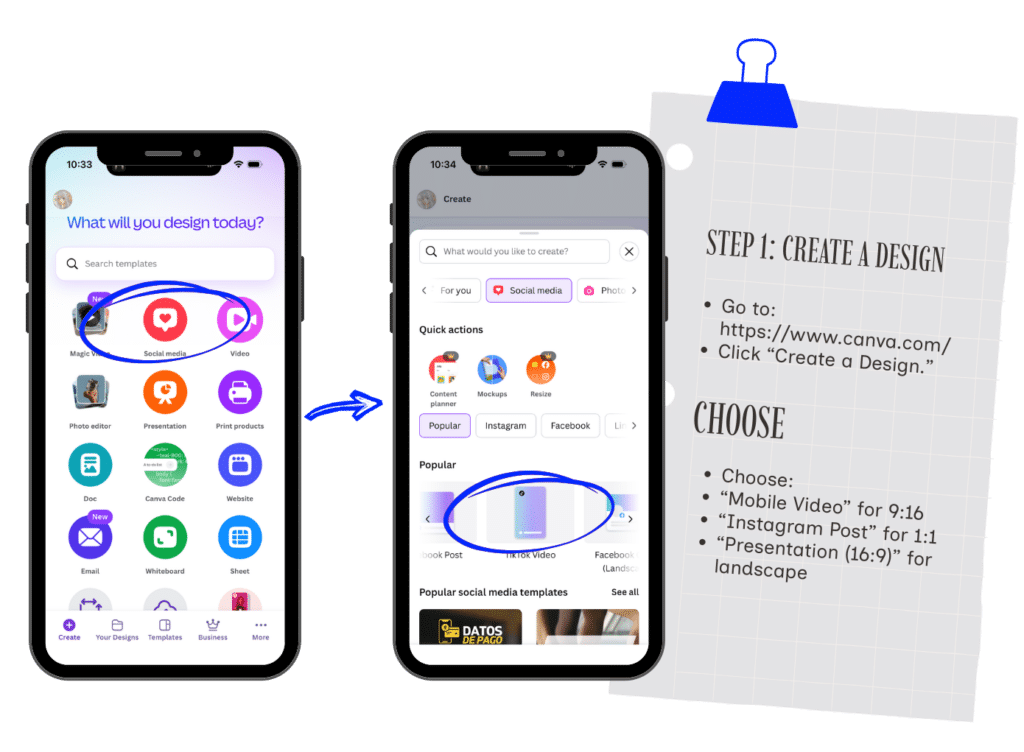
Step 1: Create a Design
Go to: https://www.canva.com/
Click “Create a Design.”
Choose:
- “Mobile Video” for 9:16
- “Instagram Post” for 1:1
- “Presentation (16:9)” for landscape
Do not guess.
Choose the preset.
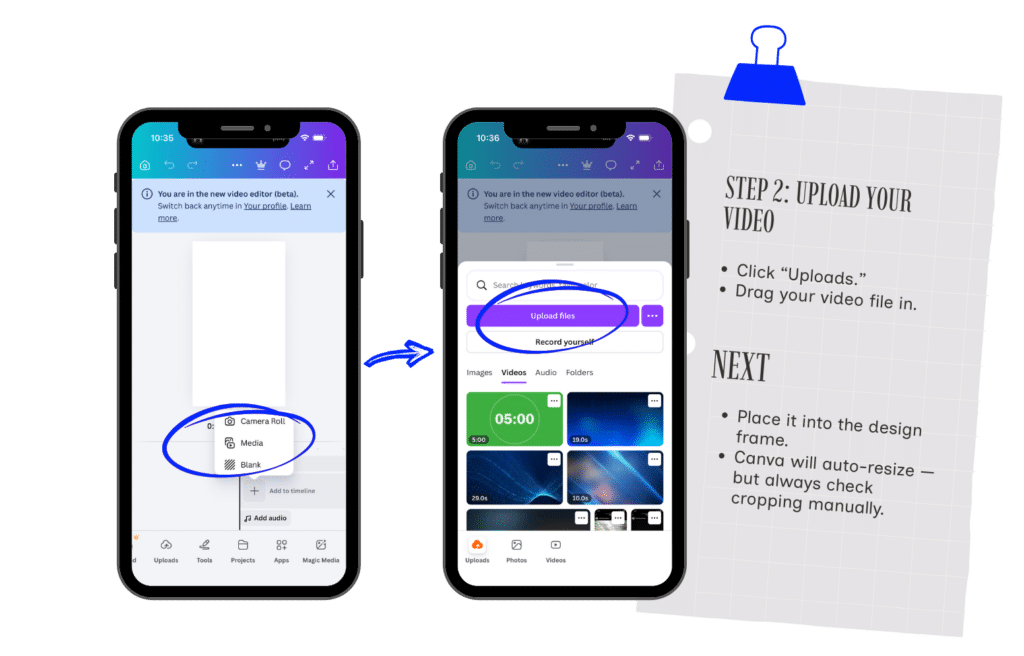
Step 2: Upload Your Video
Click “Uploads.”
Drag your video file in.
Place it into the design frame.
Canva will auto-resize — but always check cropping manually.
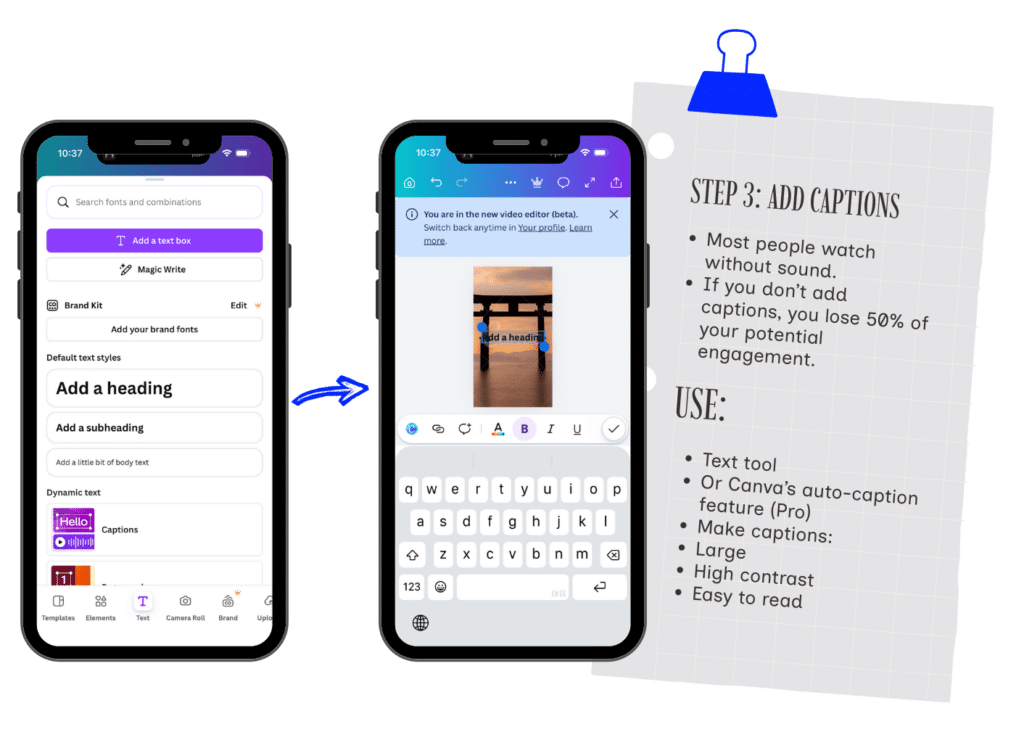
Step 3: Add Captions
Most people watch without sound.
If you don’t add captions, you lose 50% of your potential engagement.
Use:
- Text tool
- Or Canva’s auto-caption feature (Pro)
Make captions:
- Large
- High contrast
- Easy to read
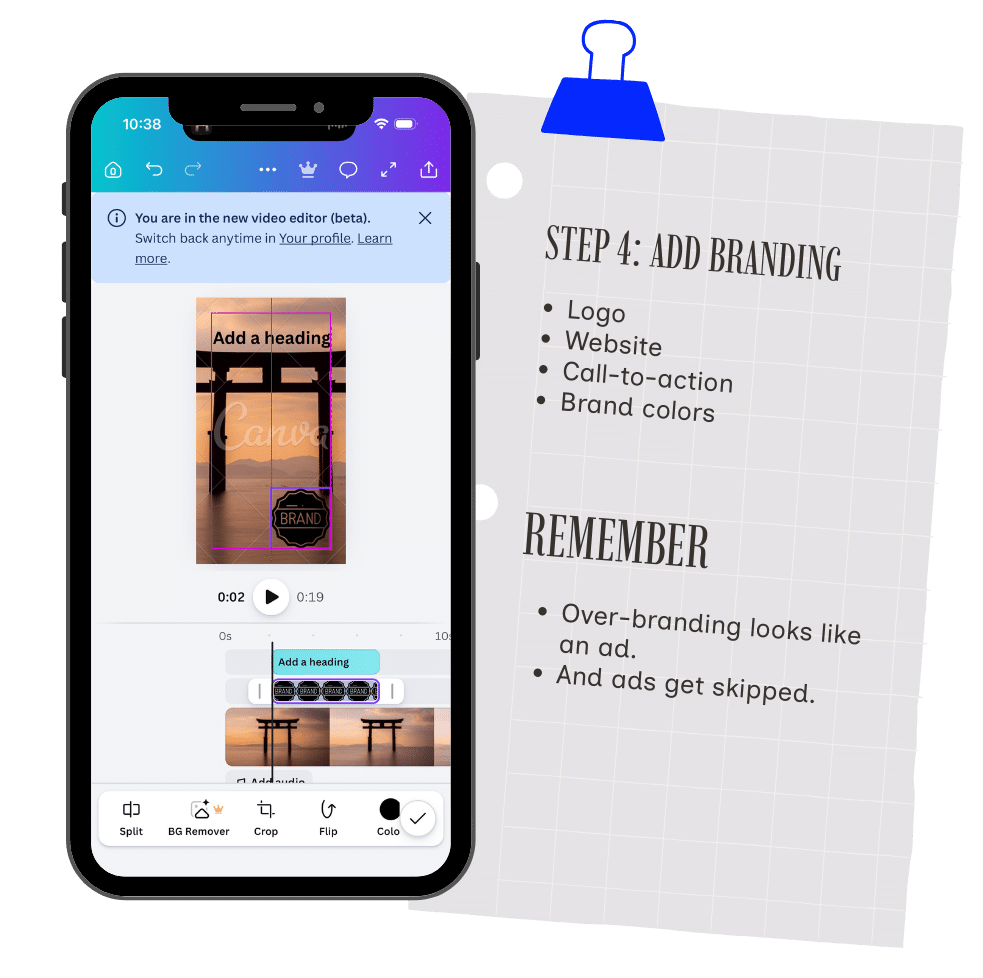
Step 4: Add Branding
Add:
- Logo
- Website
- Call-to-action
- Brand colors
But keep it subtle.
Over-branding looks like an ad.
And ads get skipped.
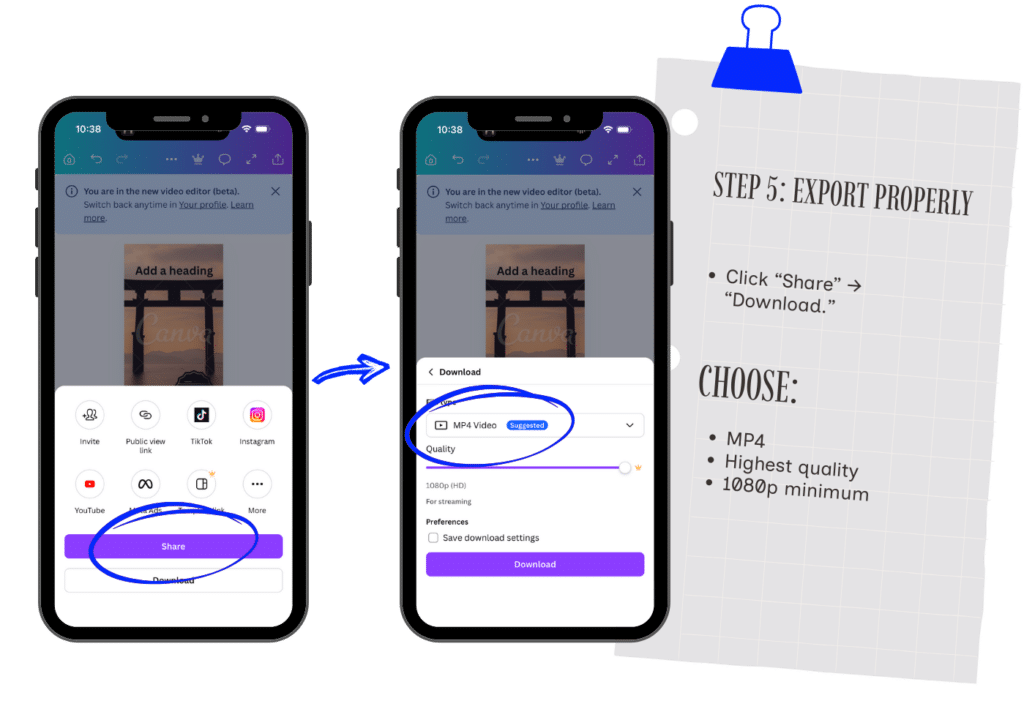
Step 5: Export Properly
Click “Share” → “Download.”
Choose:
- MP4
- Highest quality
- 1080p minimum
Now you’re ready to post.
View the Official Canva Help Guide
4. How to Post on Social Media (Execution Guide)
This is where most people get sloppy.
They upload.
They type something random.
They hit post.
No strategy.
Let’s fix that.
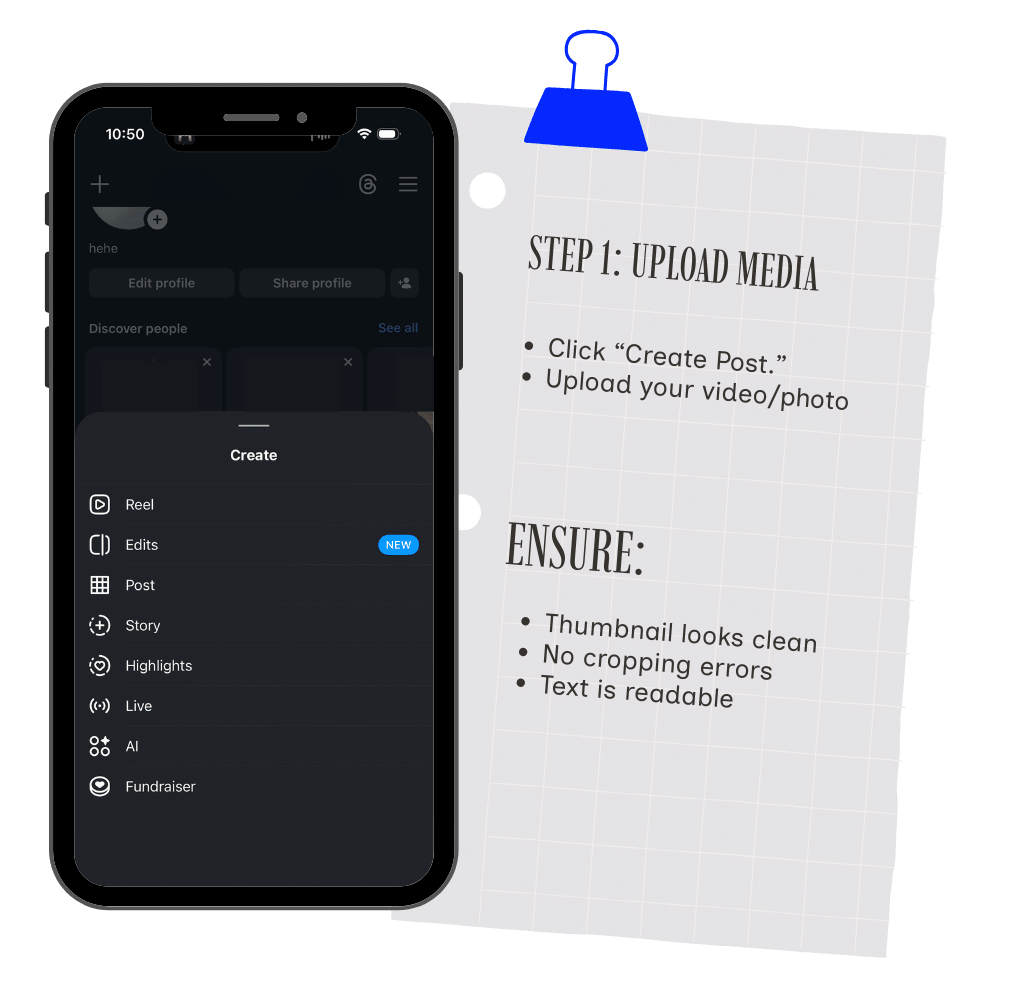
Step 1: Upload Media
Go to the platform.
Click “Create Post.”
Upload your video.
Wait for it to fully process before typing.
Ensure:
- Thumbnail looks clean
- No cropping errors
- Text is readable
On LinkedIn, upload natively — not via external link.
Native content performs better across all platforms.
Step 2: Write Your Text (Caption Strategy)
Your caption has one job:
Stop the scroll.
Use this framework:
Hook
First line must create curiosity.
Example:
“Most businesses are posting wrong on social media.”
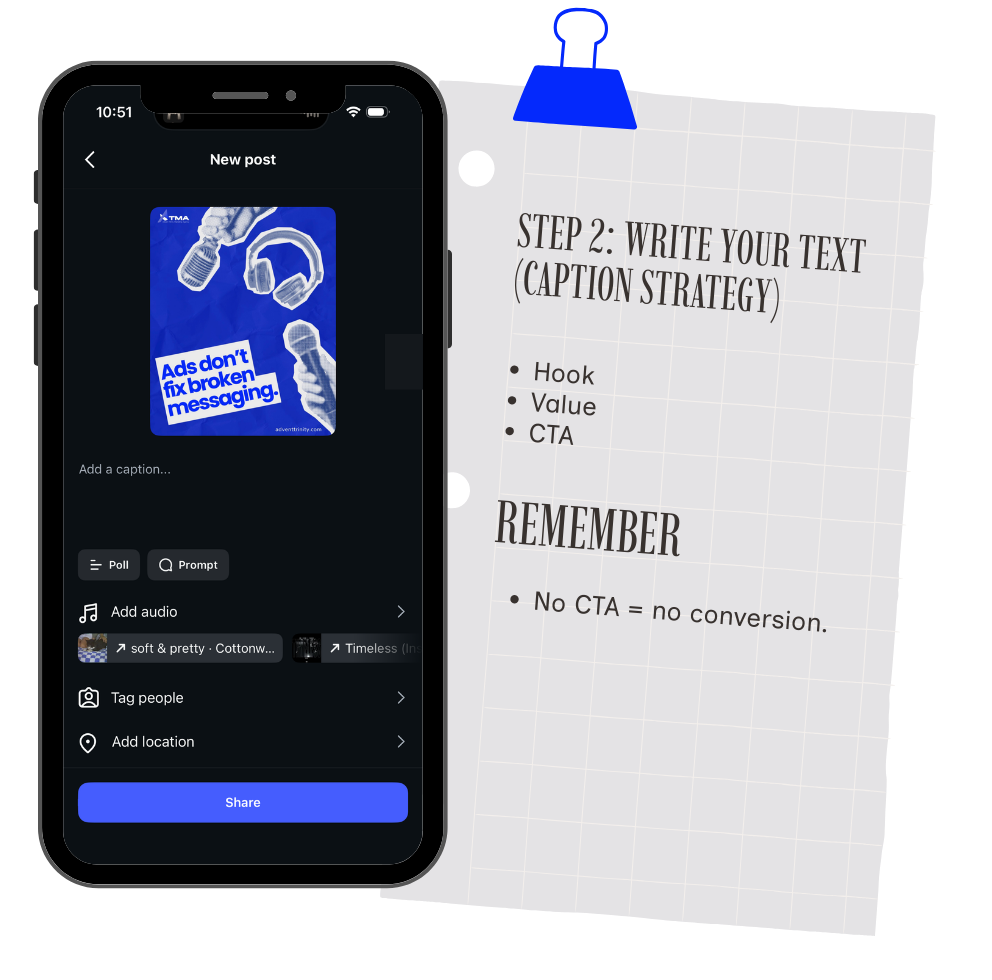
Value
Deliver 1–3 key takeaways.
Keep paragraphs short.
Mobile readability matters.
Call to Action
Tell them what to do:
- Comment
- Share
- DM
- Click link in bio
No CTA = no conversion.
Step 3: Hashtags (And Where They Go)
Hashtags are not magic.
But they help categorize content.
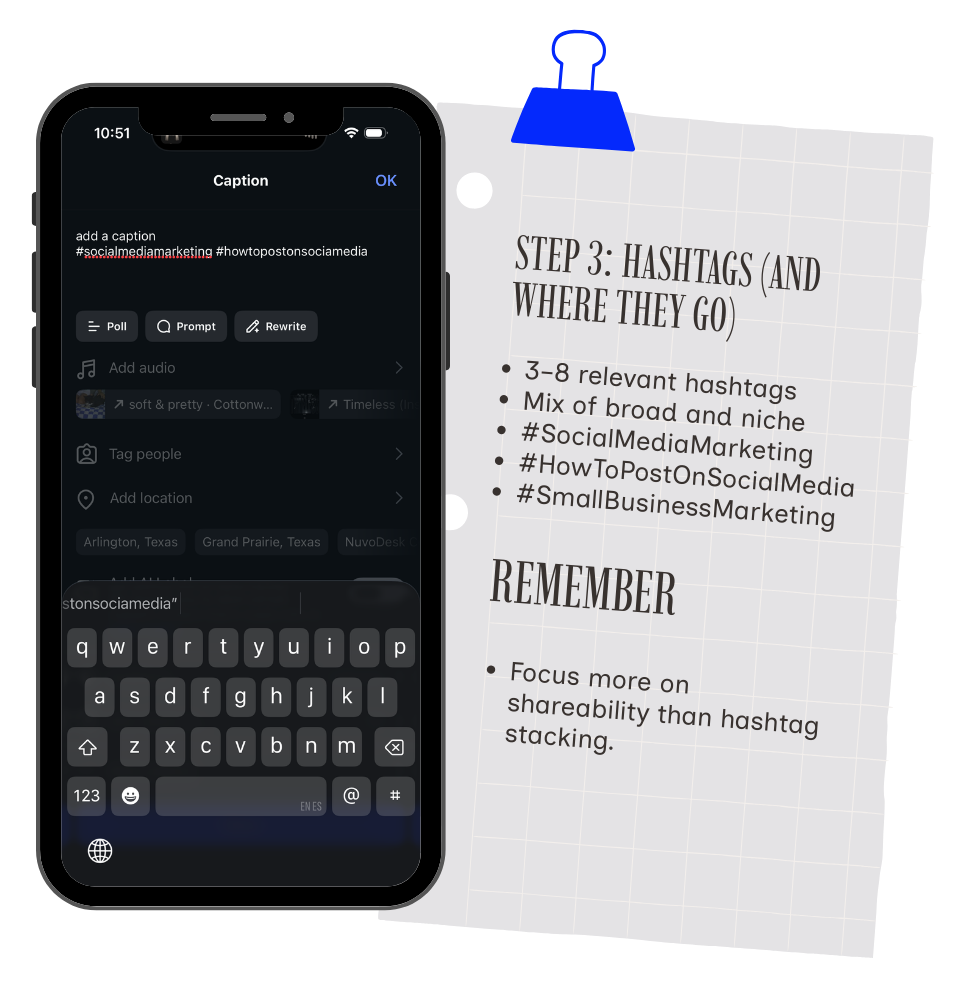
Instagram & TikTok
Place hashtags at the bottom of the caption.
Use:
- 3–8 relevant hashtags
- Mix of broad and niche
Example:
- #SocialMediaMarketing
- #HowToPostOnSocialMedia
- #SmallBusinessMarketing
- #ContentStrategy
- #DigitalBrand
- Avoid 30 random hashtags.
- Relevance > volume.
View Instagram’s Official Posting Guide
View TikTok’s Official Posting Guide
Use 3–5 hashtags.
Place them at the end of the post.
Example:
#B2BMarketing #DigitalStrategy #ContentMarketing
View LinkedIn’s Official Posting Guide
Hashtags are less critical.
Use 1–3 max.
Focus more on shareability than hashtag stacking.
Read Meta’s Official Posting Guide
Pro-Level Posting Strategy
If you really want to win:
Post the same video across all platforms.
But adjust:
- Caption tone
- Hashtag style
- Thumbnail if needed
One piece of content.
Multiple distribution channels.
This is how you scale brand authority efficiently.
Final Posting Checklist
Before you hit publish, confirm:
✅ Correct video ratio
✅ Clear hook in first line
✅ Captions added
✅ Branding visible but not overwhelming
✅ CTA included
✅ Relevant hashtags
✅ Native upload
If you follow this consistently, your content quality will immediately increase.
And so will engagement.
Final Thoughts
Learning how to post on social media is not about creativity alone.
It’s about structure.
Demographics.
Formatting.
Execution.
Consistency.
Most businesses treat social media casually.
The ones who treat it like a distribution engine?
They win attention.
And attention converts into revenue.
Because posting randomly is easy.
Posting strategically?
That’s how brands grow.